Every dish has a photo
Guests see the food before they choose it. Your photos lead every dish, with the photographer credited.
Your menu page is where guests decide whether to come in. Give them photos, search and dietary filters, on the website you already have.
A 30-minute video call with our team, or build it yourself.
A menu page shouldn’t be a PDF. Yours can showcase every dish, help each guest find exactly what they want, and train your staff from front to back of house.
For guests
A photo of every dish, search that finds what they’re craving, and filters for what they can eat, all in their own language.
Guests see the food before they choose it. Your photos lead every dish, with the photographer credited.
A craving, an ingredient or half a name. The menu narrows as the guest types.
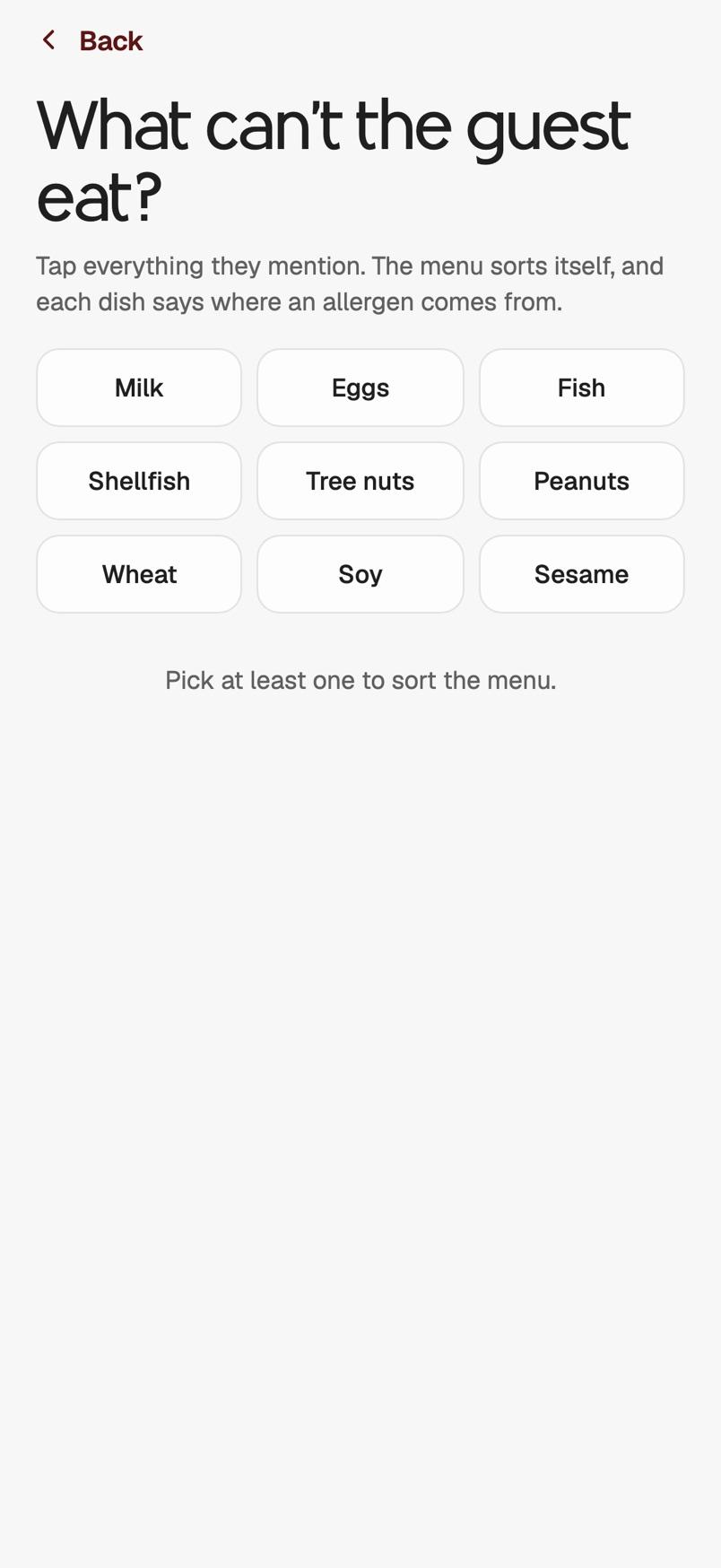
Tag each dish vegetarian, vegan, gluten-free or spicy. A guest filters the whole menu with one tap at the top of the page.
Give each dish a second name and description. Guests switch languages at the top of the menu.
For your team
Invite your managers and your kitchen. Everyone works on the same menu, and every change is live the moment it’s saved.
The menu renders inside your own page, in your own colours and type. You keep the site you already have.
New staff learn your menu before their first shift, with quizzes built from your own dishes and photos. Every result goes to the manager.
Kitchen and bar recipes on a link your cooks open on their phone, with quantities, house prep and every step in order.
Mark a dish sold out in your dashboard and it’s gone from every guest’s phone. Every other edit goes live the same way.
On your phone
MF Owner and MF Staff are apps for iPhone that we're building now: one for owners and managers, one for your team.
Live demo
A real MenuFramer menu, live in this frame. It’s the same menu a guest gets on their phone. Tap a button, or use the menu yourself.
Comparison
A guest, and a search engine, can only use what they can read. Here’s what each kind of menu page gives them.
Reads on a phone without pinching
MenuFramer: yes
PDF: no · A link: yes · Site builder: yes
A photo beside every dish
MenuFramer: yes
PDF: rarely · A link: sometimes · Site builder: rarely
Search, and filters for diets and allergies
MenuFramer: yes
PDF: no · A link: sometimes · Site builder: no
Guests stay on your website
MenuFramer: yes
PDF: opens a file · A link: they leave · Site builder: yes
Every dish has its own link
MenuFramer: yesBusiness
PDF: no · A link: on their site · Site builder: no
Change a price and it shows straight away
MenuFramer: yes
PDF: re-export the file · A link: yes · Site builder: yes
Your staff learn the menu from it
MenuFramer: yesBusiness
PDF: no · A link: no · Site builder: no
Business uses the script embed, which writes the menu into your own page, so every dish gets its own link and structured data on your domain. Pro shows the same menu in a frame. Being readable makes a menu eligible to rank; nobody can promise placement, and we won’t.
Guests and PPA
Guests through the door, and PPA, the per-person average each one spends. Here’s how a better menu page works on both.
yourrestaurant.com › menu › spicy-miso-ramen
Spicy Miso Ramen | Sakura Ramen House
Red miso broth, chili oil, chashu and a soft egg. $18

Every dish has its own link and real text a search engine can read, so a craving can lead to your menu.
 Tonkotsu Ramen$19
Photos and prices up front answer “is it good, and is it for me?” before they’ve left the page.
 Hamburguesa de frijol negro
Dietary filters and a second language let more guests say yes to your menu.
How it works
Nothing is public until you choose to go live.
 Wagyu GyozaSpicyContains gluten$14
Step 1
Names, prices and photos, with ingredients, allergens and dietary tags on each one.
Step 2
Your colours, your fonts and your logo, previewed on a phone as you choose them.
<script async src="https://www.menuframer.com/embed.js?m=your-menu"></script>Step 3
It works on the site you already have, and every edit after that is live the moment you save it.
Early Access is open. Build it yourself, or see it first on a 30-minute call.


 MF Owner for iPhone:

 MF Staff for iPhone: