


MF Owner for iPhone
In developmentSold out, photos and bookings, wherever you are.
Mark a dish sold out everywhere or at one location, take a dish photo with the camera, and answer booking requests.
- Sold out
- Dish photos
- Bookings
- Team notes
- QR code
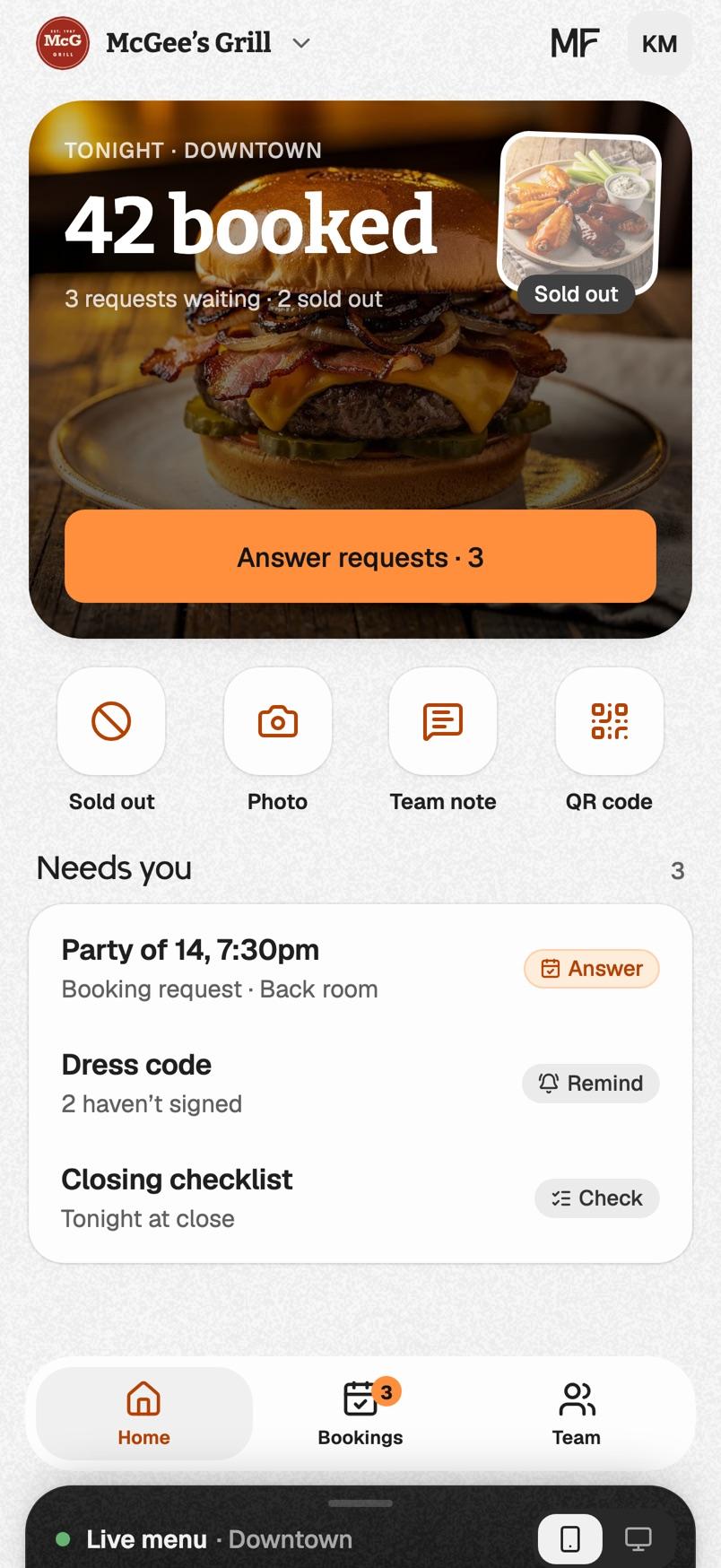
Two apps for iPhone from MenuFramer. MF Owner is for owners and managers. MF Staff is for the people on the floor and in the kitchen.
We’ll email you once, when they’re in the App Store.
Sold out, photos and bookings, wherever you are.
Mark a dish sold out everywhere or at one location, take a dish photo with the camera, and answer booking requests.

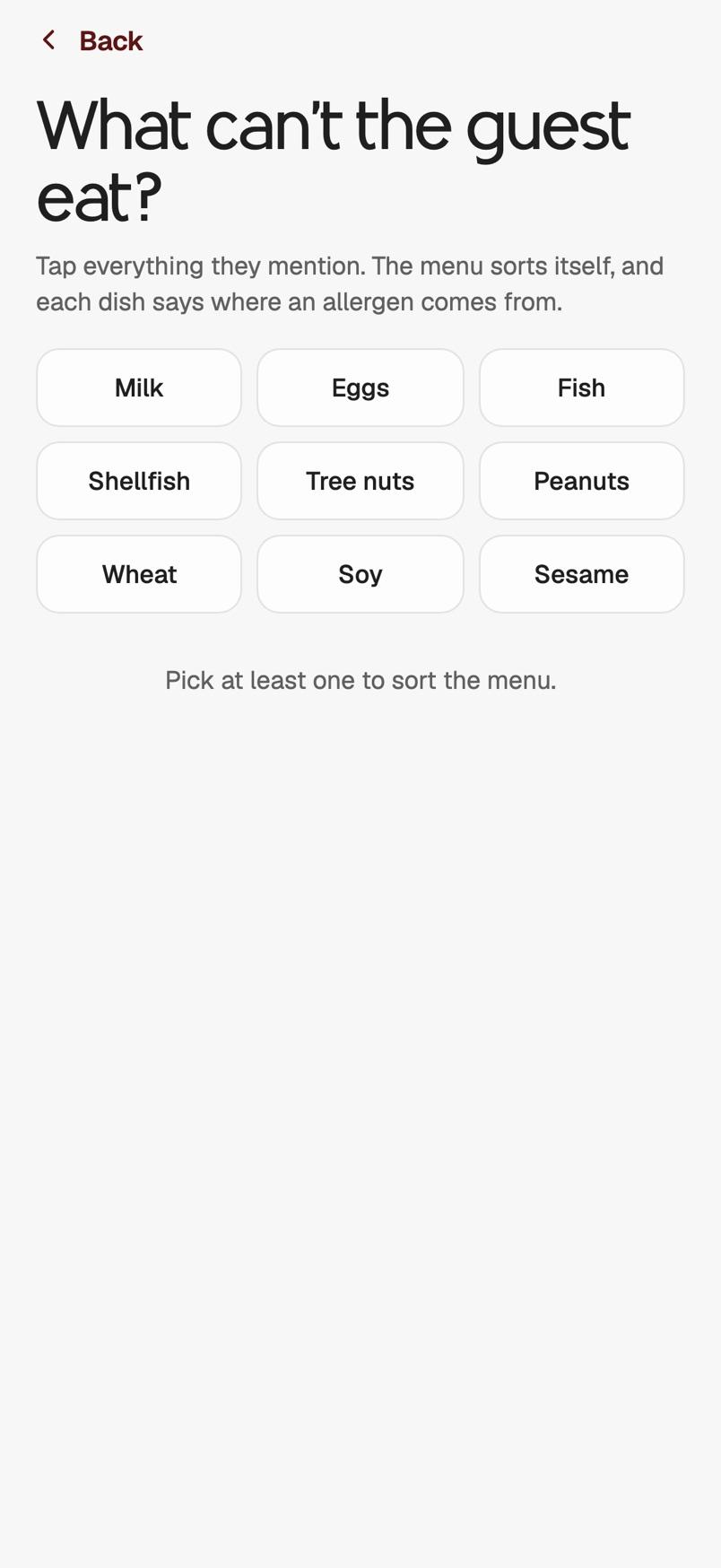
The briefing, allergies and checklists for every shift.
Your team joins with the restaurant's staff code, with no account. Each shift opens on the briefing and what needs them.
 On your computerAvailable now
Your portal opens in its own window, with its own icon in the Dock or the taskbar.
Open your portal, then choose Install in the address bar.
Open your portal, then choose File, Add to Dock.
Open your portal, tap Share, then Add to Home Screen.