

MenuFramerPlatform · Catering
Your catering menu, answered with a price.
Guests pick trays from your catering menu on your website, say when and where, and send the request. You reply with a price built from those trays.
Why it matters
Everything you need to price the job, in one request.
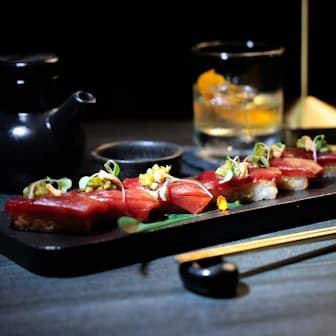
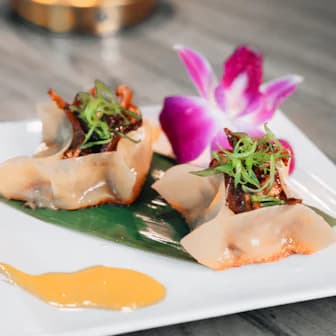
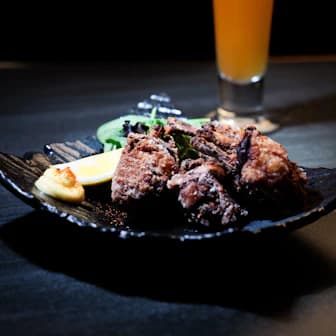
The trays and how many they serve, the day and time, pickup, delivery or served at their venue, the address and any allergies, chosen from a menu with your photos.
How it works
From trays on your site to a confirmed order.
Step 1: Make a catering menu
- In MenuFramer
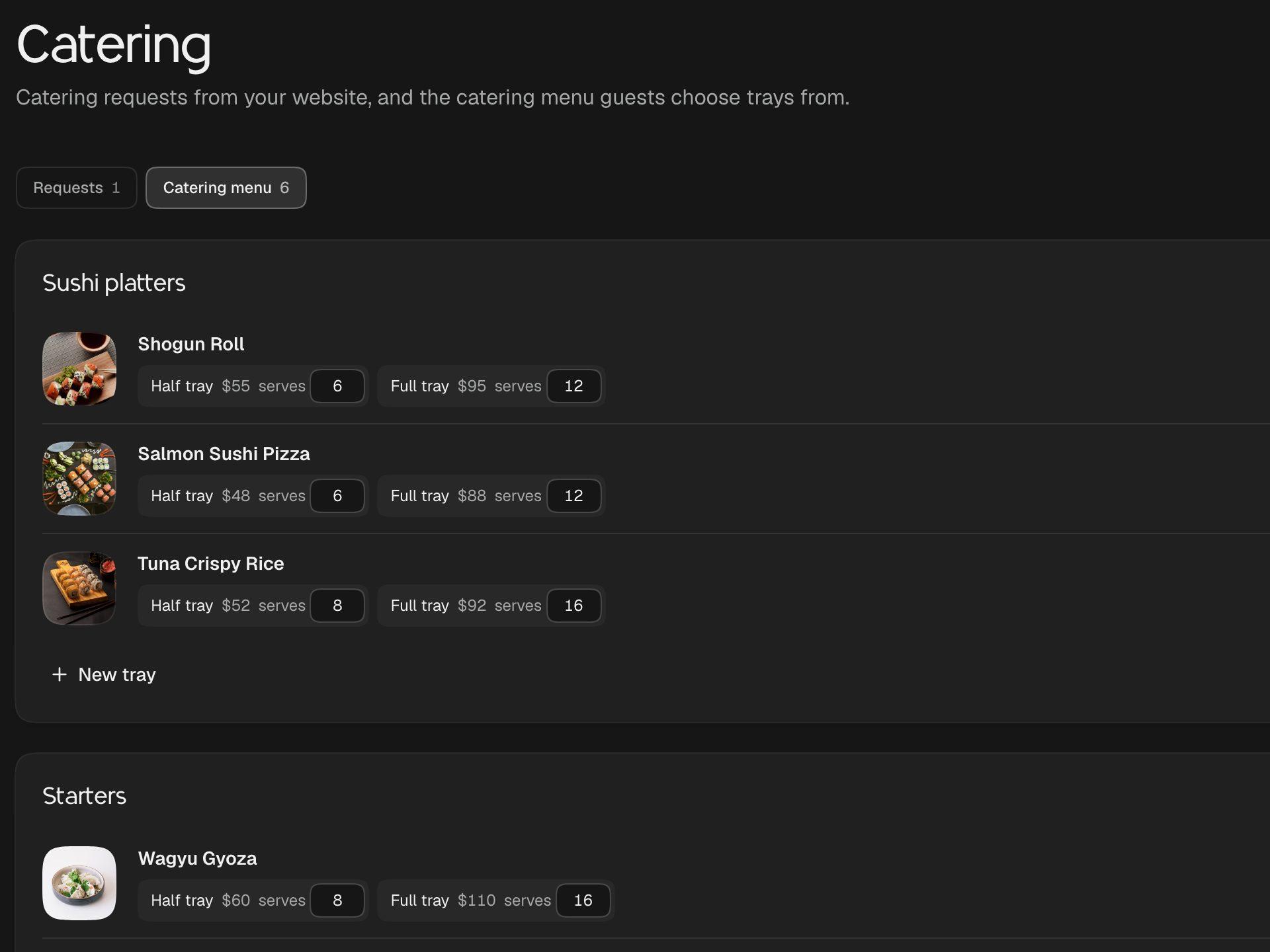
- Start trays from the dishes you have, so their photos, ingredients and allergens come along. Each size says how many it serves.
- On your website
- It shows on your Catering page, in your menu's look.
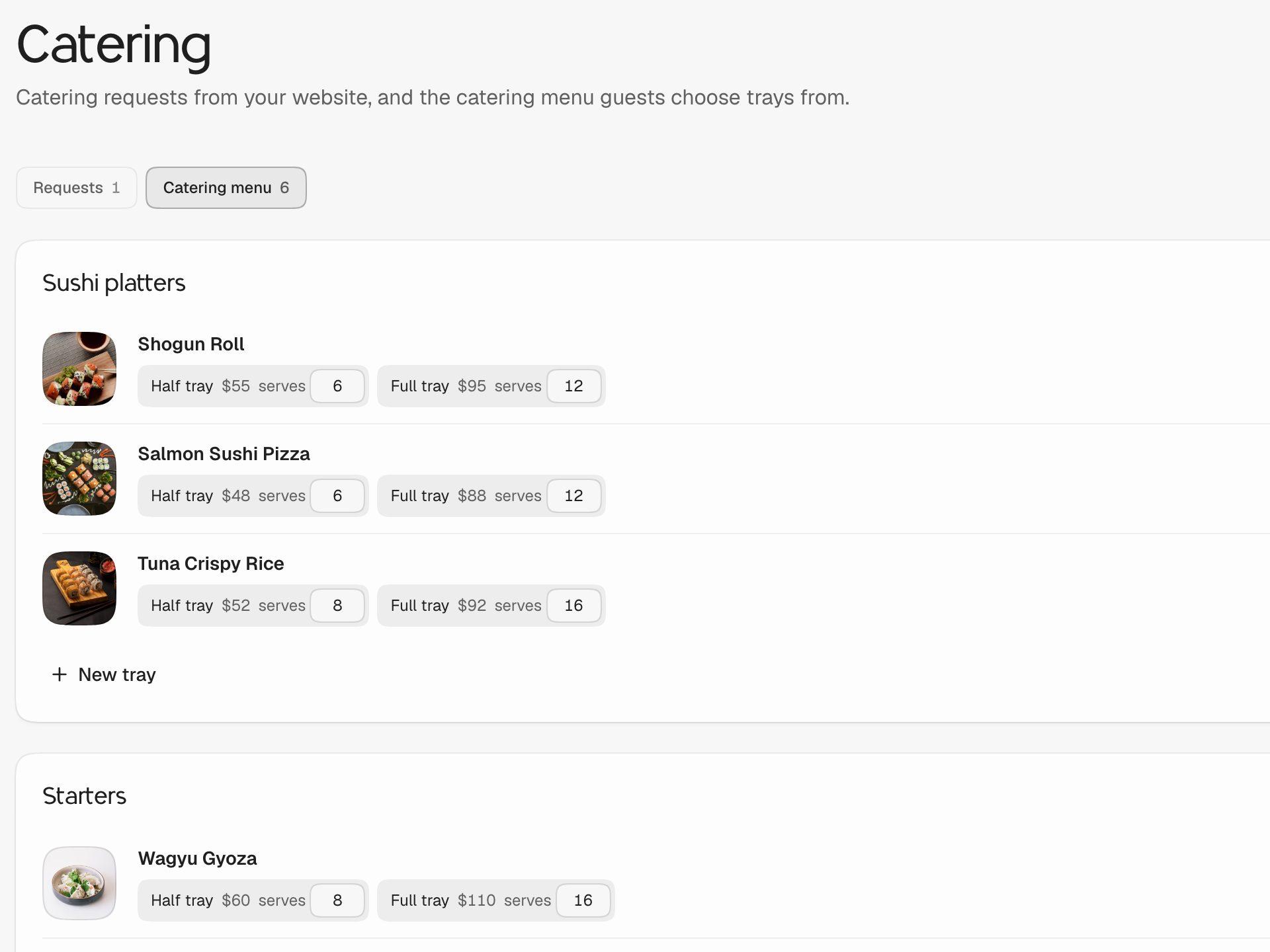
Step 2: Guests ask
- On your website
- They add trays on your Catering page, then choose pickup, delivery or served, the day and the time.
- In MenuFramer
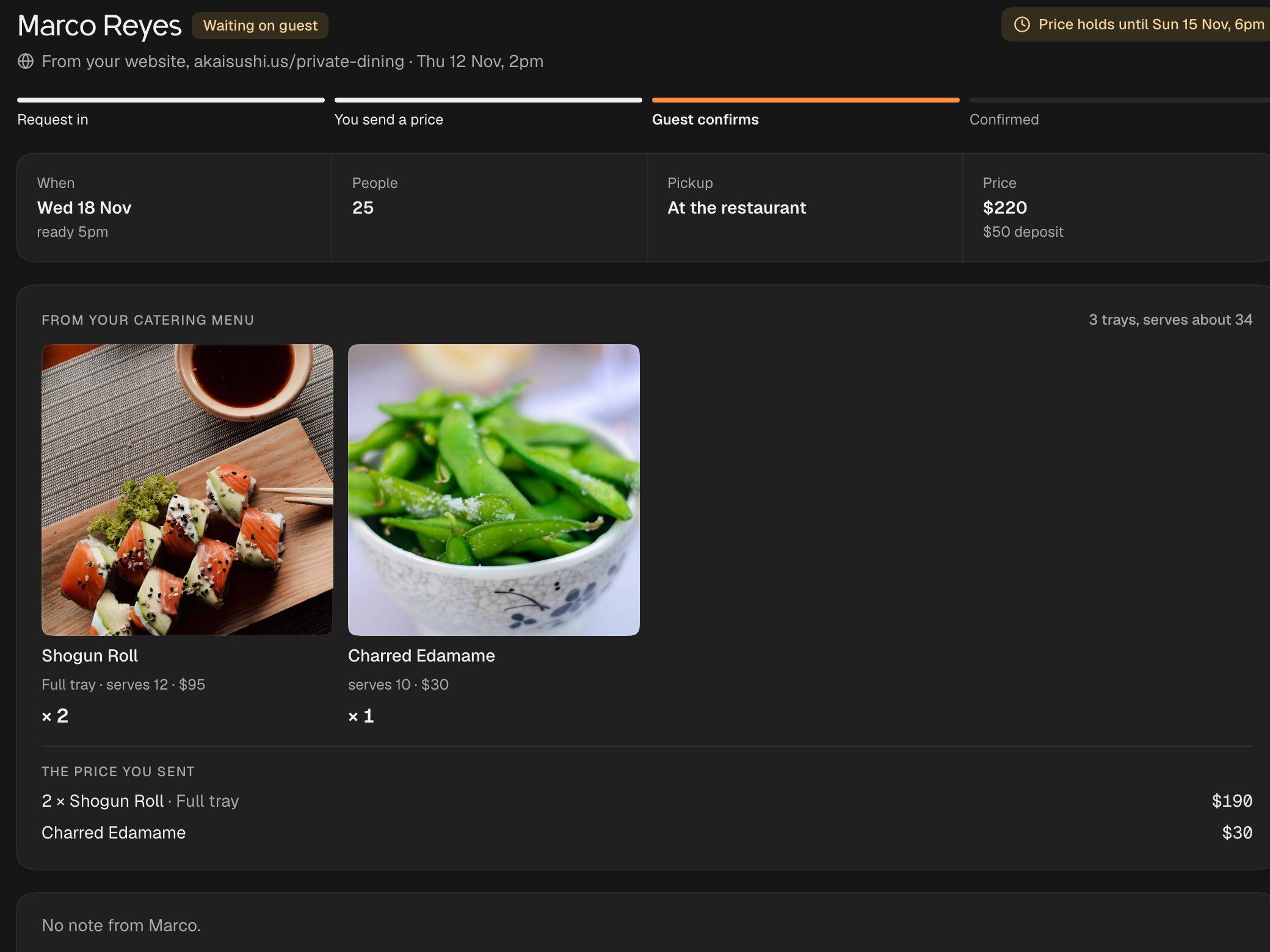
- The request arrives in Bookings, with the trays as the kitchen reads them.
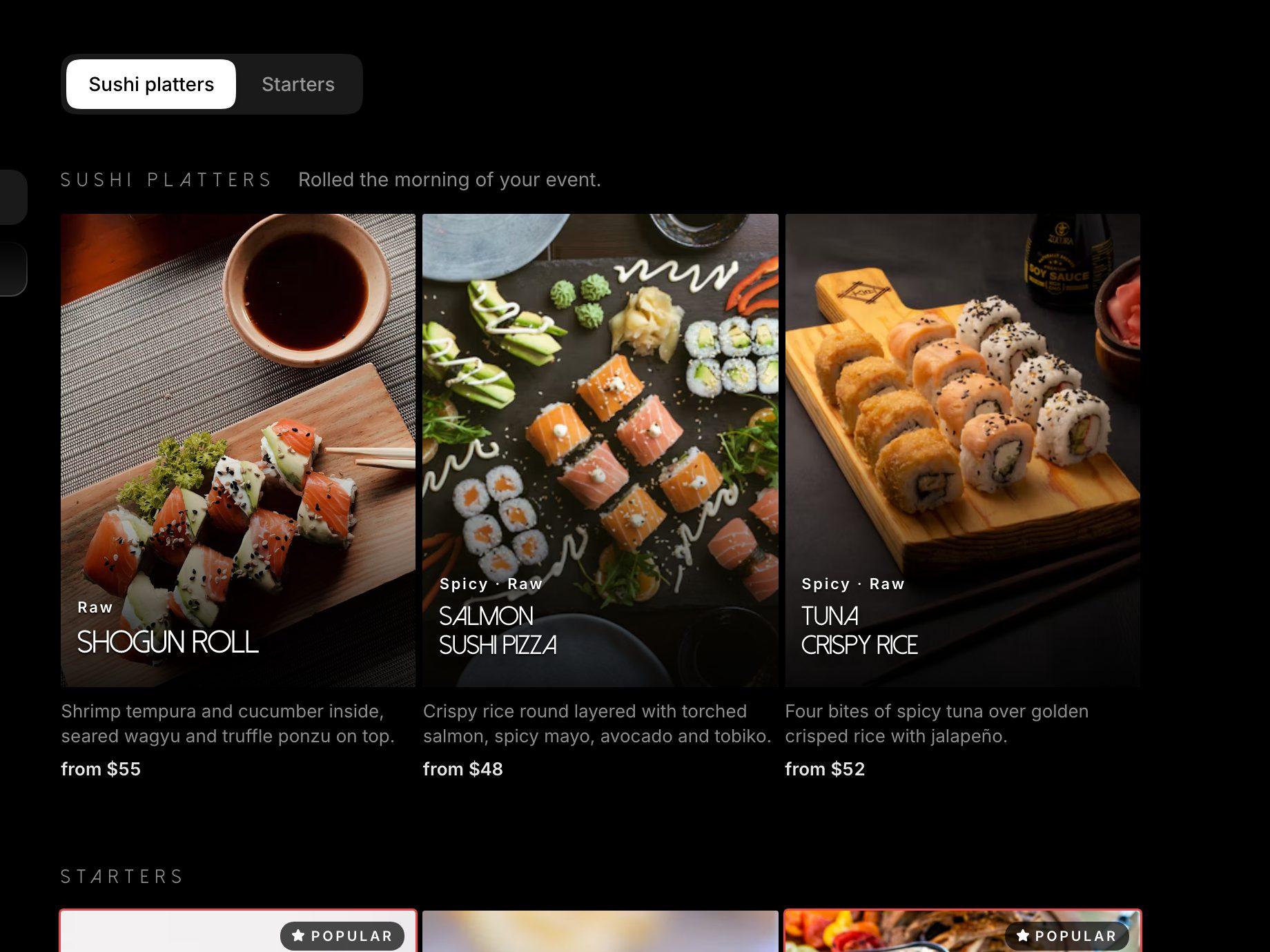
Step 3: You send a price
- In MenuFramer
- Build it line by line from the trays at your prices, add lines such as delivery or staff, then set a deposit and how long the price holds.
- On your website
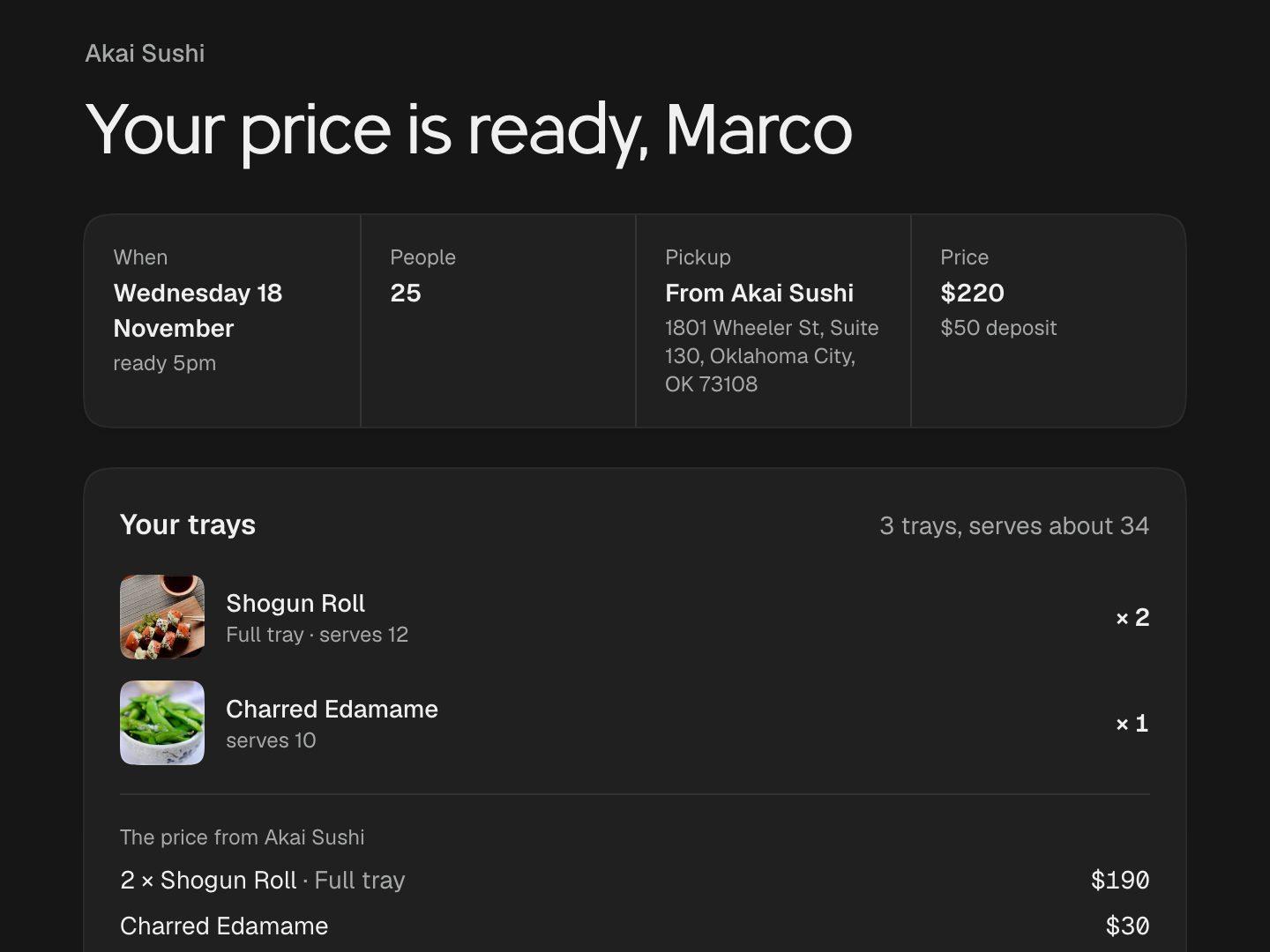
- They get the price by email, with a link.
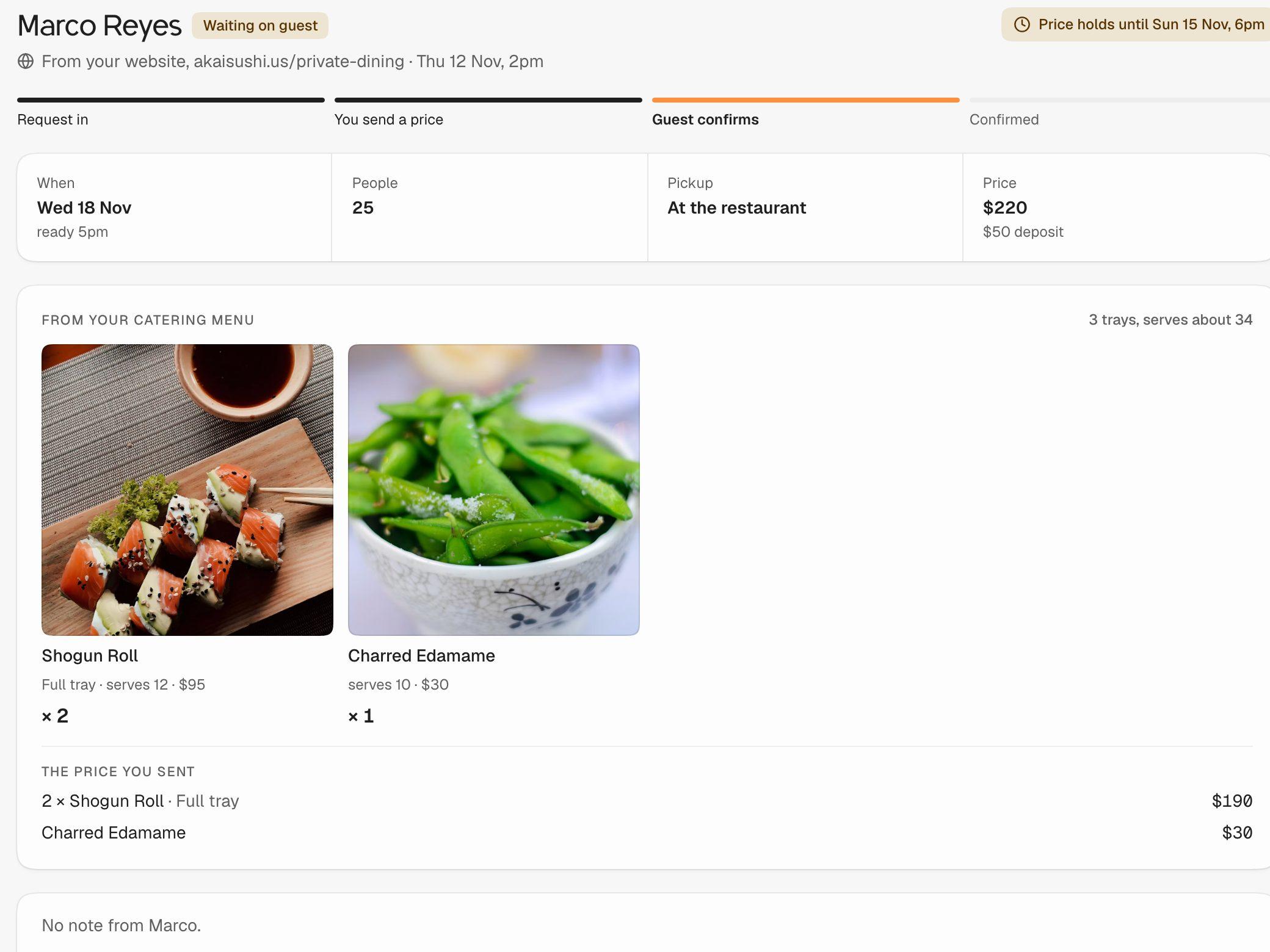
Step 4: They confirm
- On your website
- They agree to your terms and pay the deposit into your Square.
- In MenuFramer
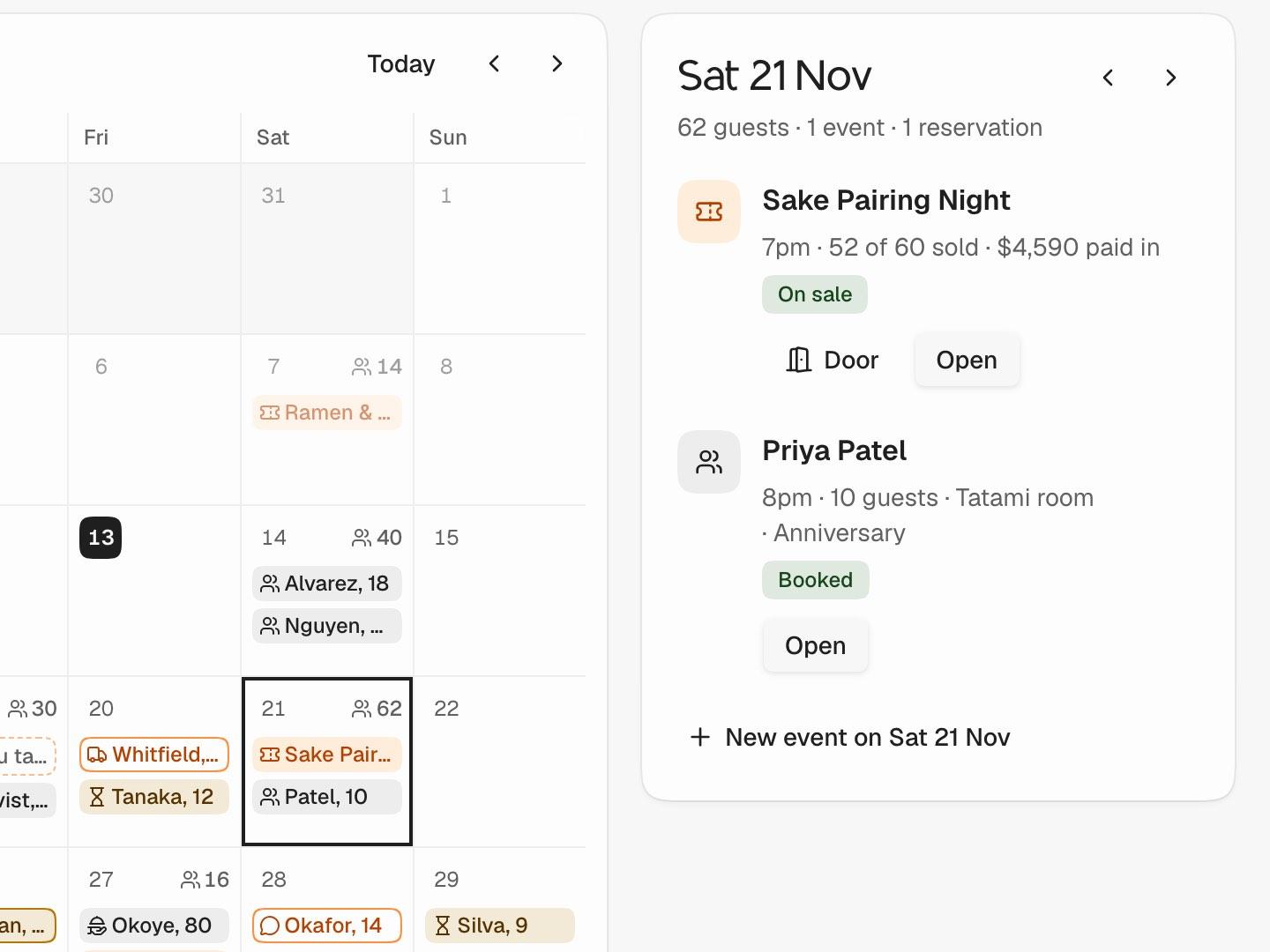
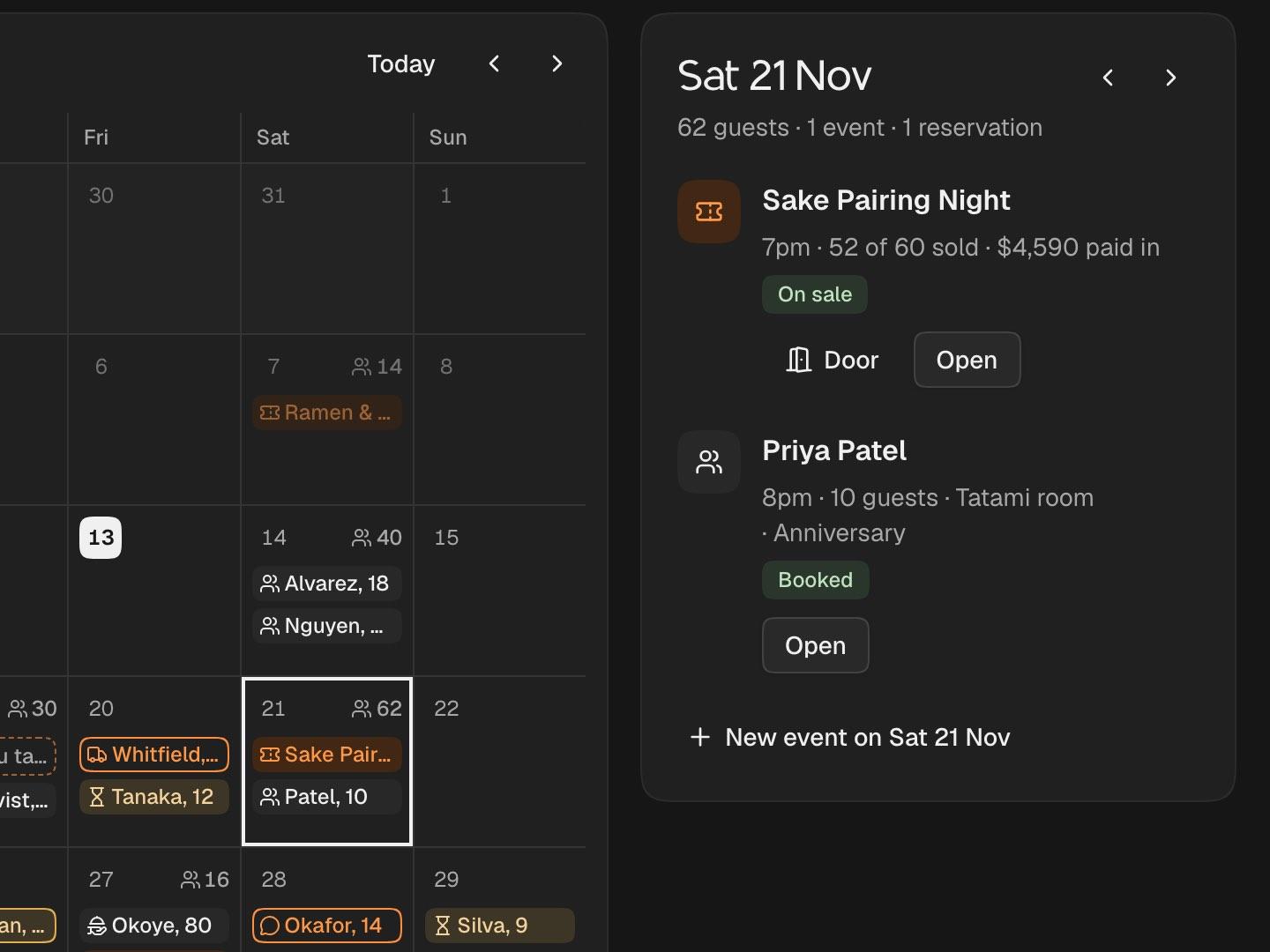
- It goes on your calendar, marked pickup, delivery or served.
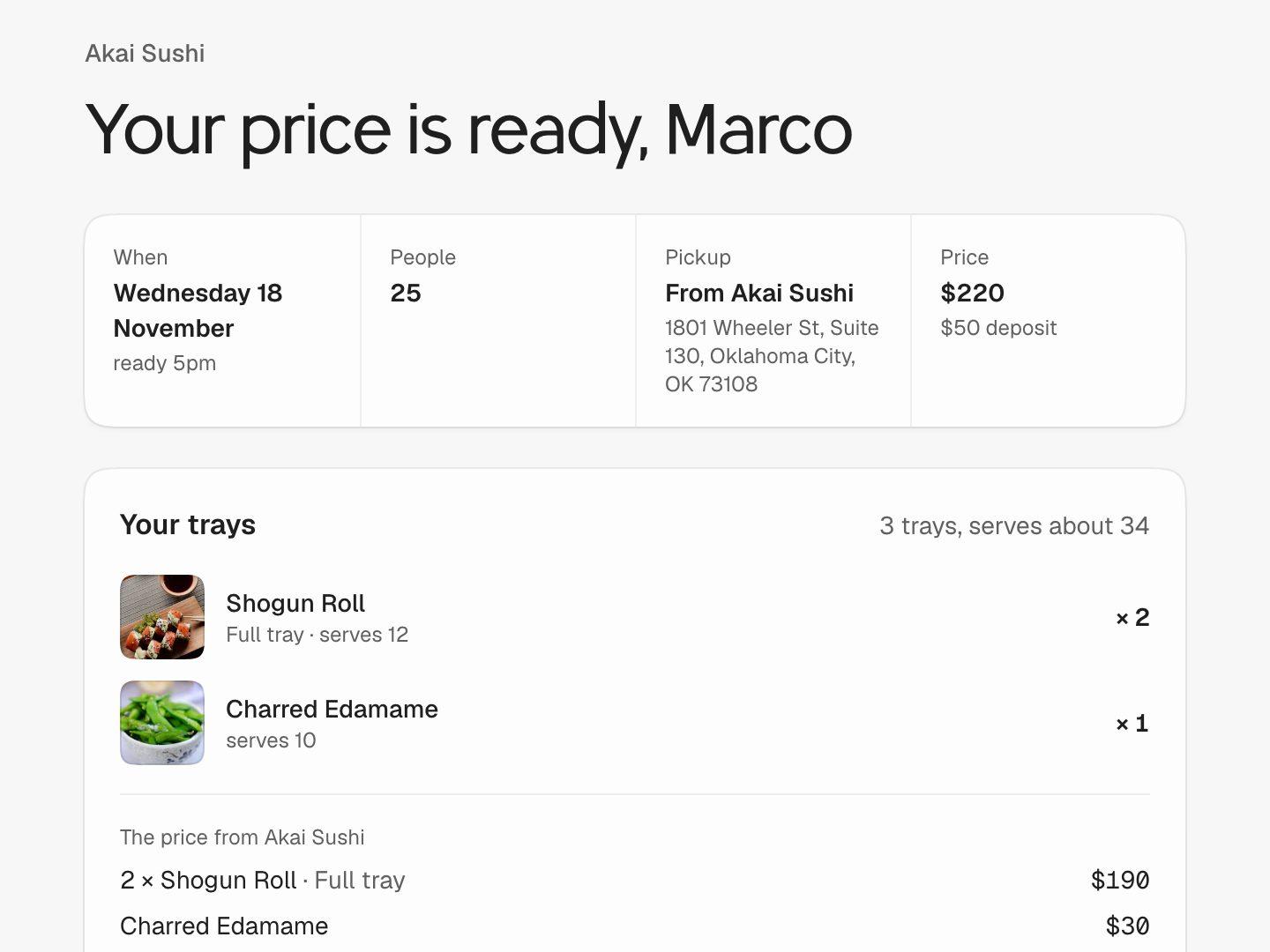
Pickup, delivery or served
Choose the ways you cater, where you deliver and how much notice you need.
A menu of its own
The catering menu shows only on your Catering page. Your dining menu, its QR codes and its prices stay as they are.
A price that holds until a date
Pick when your price ends. The guest confirms and pays the deposit before then.
More bookings
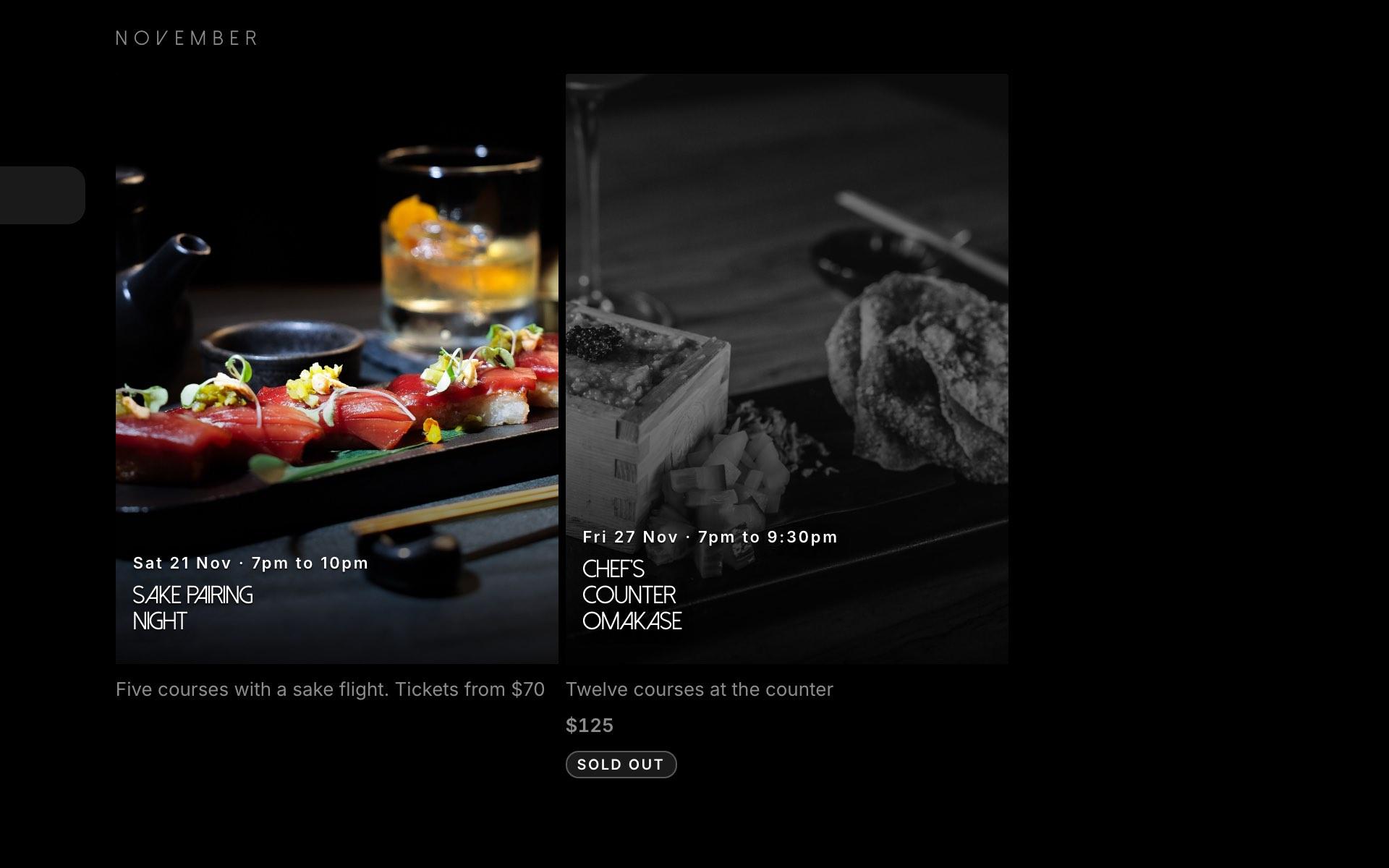
Large parties and events, on the same calendar.
Questions
What owners ask before taking catering.
The page sends a request. Guests pay a deposit once you've sent a price and they confirm it.

Put your catering menu on your site.
See a live menu, then make your catering menu from the dishes you have.